
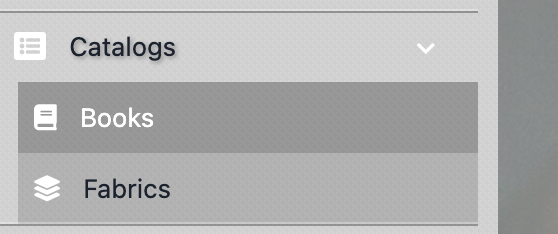
You will need access to fabric books on the Studio to begin placing orders. This can be done simply by navigating to the Menu, then clicking "Catalogs" and then "Books".
In here, you can Filter or Search by bunch name, supplier, key words, and more. When you locate a book you need to use, click the Book name and hit "+ Add this book to your collection".

Now that the book has been added to your collection, you can input any fabric ID from it and use it in the design builders! Repeat this step for any fabrics you want to use but can't pull up while designing.
If you come across any books or fabrics that are not in the Studio, submit a Ticket to Help so the Customer Success team can assist you.
Was this article helpful?
That’s Great!
Thank you for your feedback
Sorry! We couldn't be helpful
Thank you for your feedback
Feedback sent
We appreciate your effort and will try to fix the article